You check your IP address and something does not look right.
The country may be correct, but the city is somewhere you have never been. Or your connection appears to be coming from a nearby region instead of your actual location.
This is more common than many people realize.
An IP address is useful for estimating where an internet connection originates, but it is not the same thing as GPS. In many cases, an IP lookup is identifying your internet provider's network rather than the exact place where your phone or computer is located.
So if your IP location looks wrong, it does not automatically mean there is a problem with your connection.
- Your ISP may route traffic through another city.
- Your IP address may have been reassigned recently.
- You may be using a VPN or proxy.
- Your mobile provider may use shared network gateways.
- The geolocation database may be outdated.
- Your IPv4 and IPv6 addresses may be mapped differently.
IP Location Is Not Your Exact Physical Location
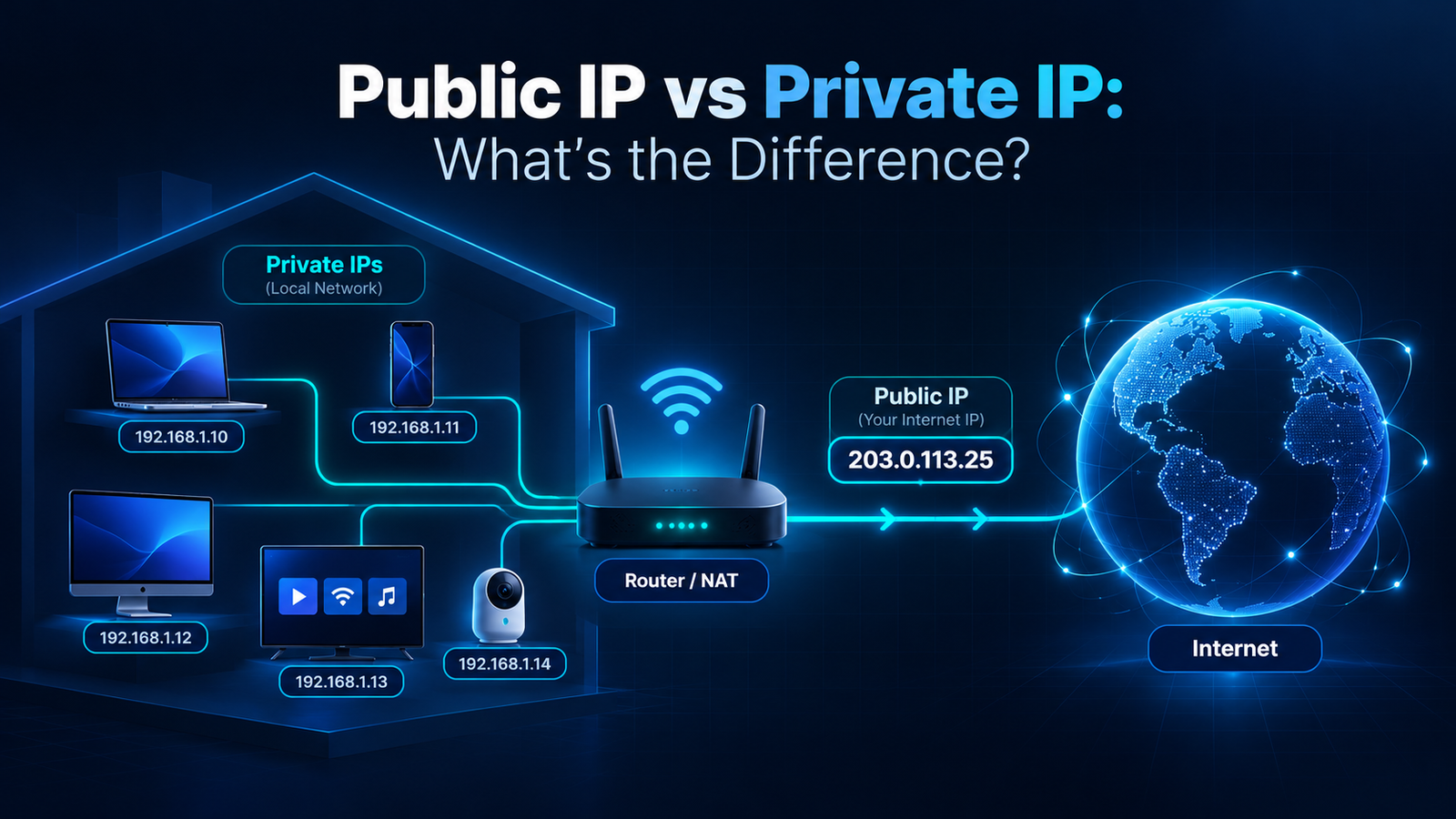
Your public IP address does not contain your street address or GPS coordinates.
When an IP lookup service shows a city or region, it usually gets that information from a geolocation database. Those databases try to associate blocks of IP addresses with internet service providers, network infrastructure, cities, and countries.
That works reasonably well at a broad level, but city-level accuracy is not guaranteed.
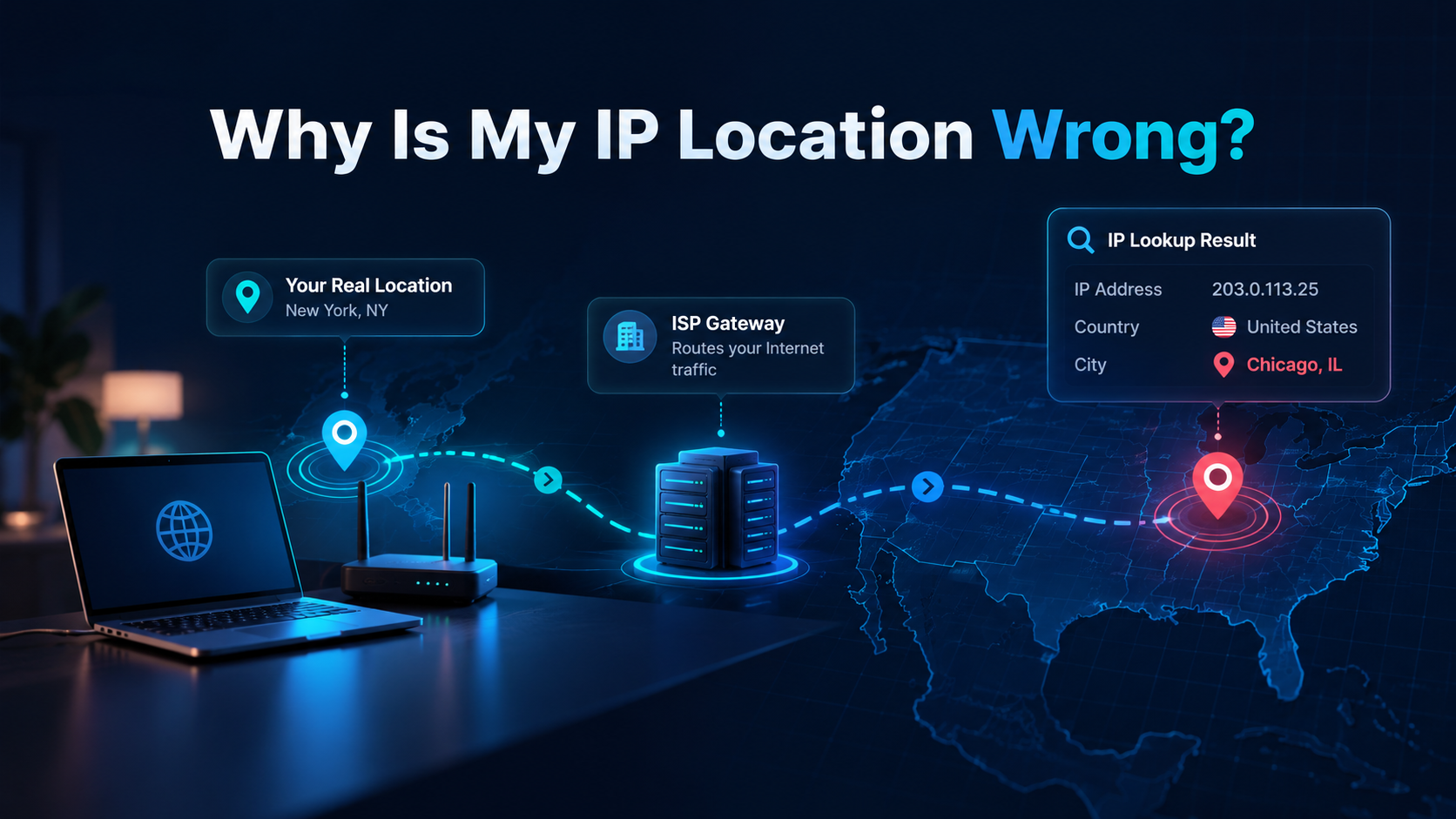
For example, you may live in a small town while your ISP manages the connection through equipment located in a larger nearby city. The lookup may show that larger city.
From the database's point of view, the result is not completely random. It is simply locating the network rather than you.
Why Your IP May Show the Wrong City
The most common reason is your internet service provider.
ISPs manage large ranges of IP addresses. Those addresses are often assigned or registered to regional network infrastructure rather than to individual customers.
Imagine that your connection passes through an ISP gateway 60 miles away. A geolocation service may associate your IP with that gateway's city.
Your browser is still connecting from your home, but the IP database only sees the network information available to it. This is why an IP lookup can show a nearby city even when your internet connection is working perfectly.
Your IP Address May Have Been Reassigned
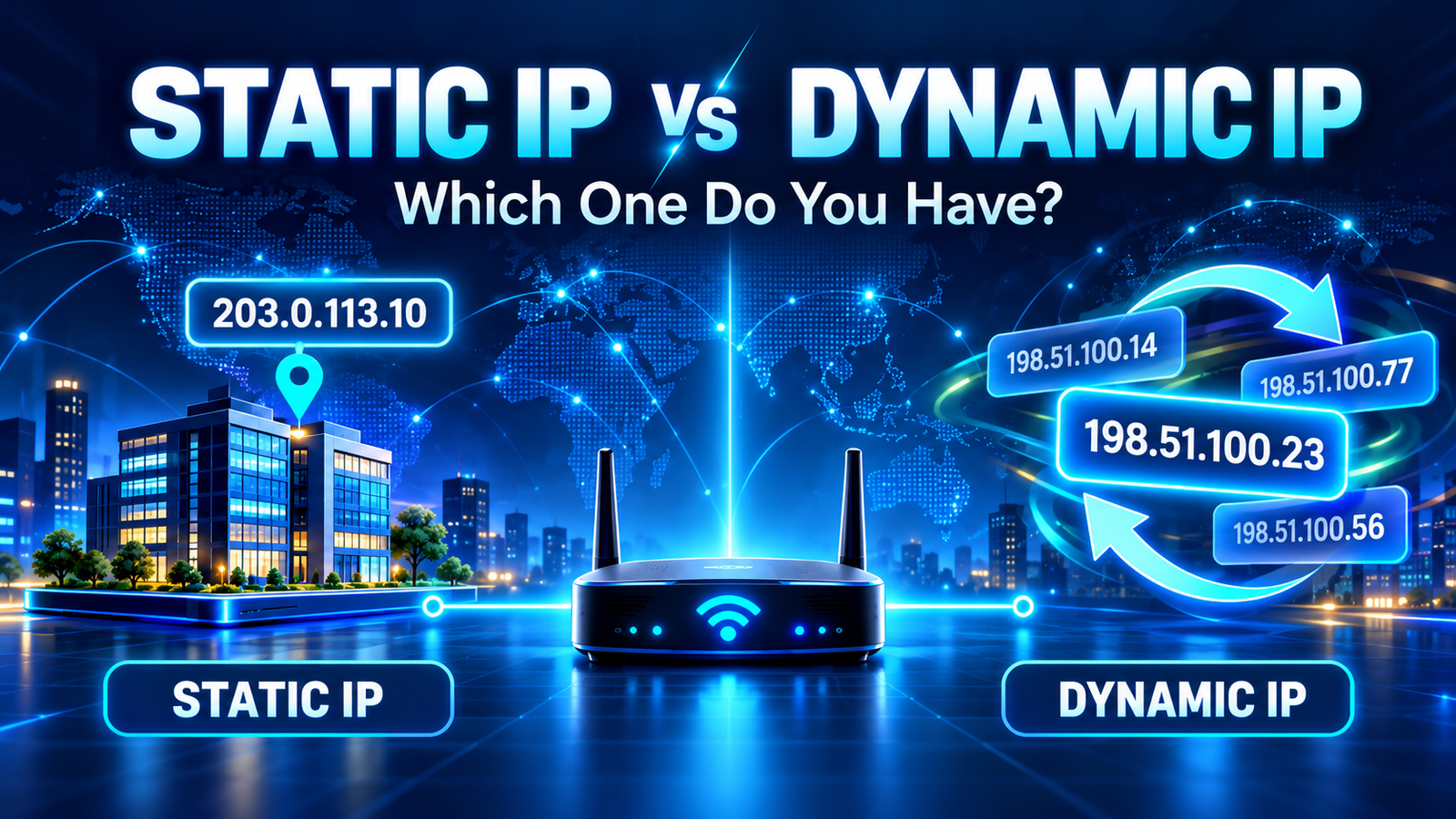
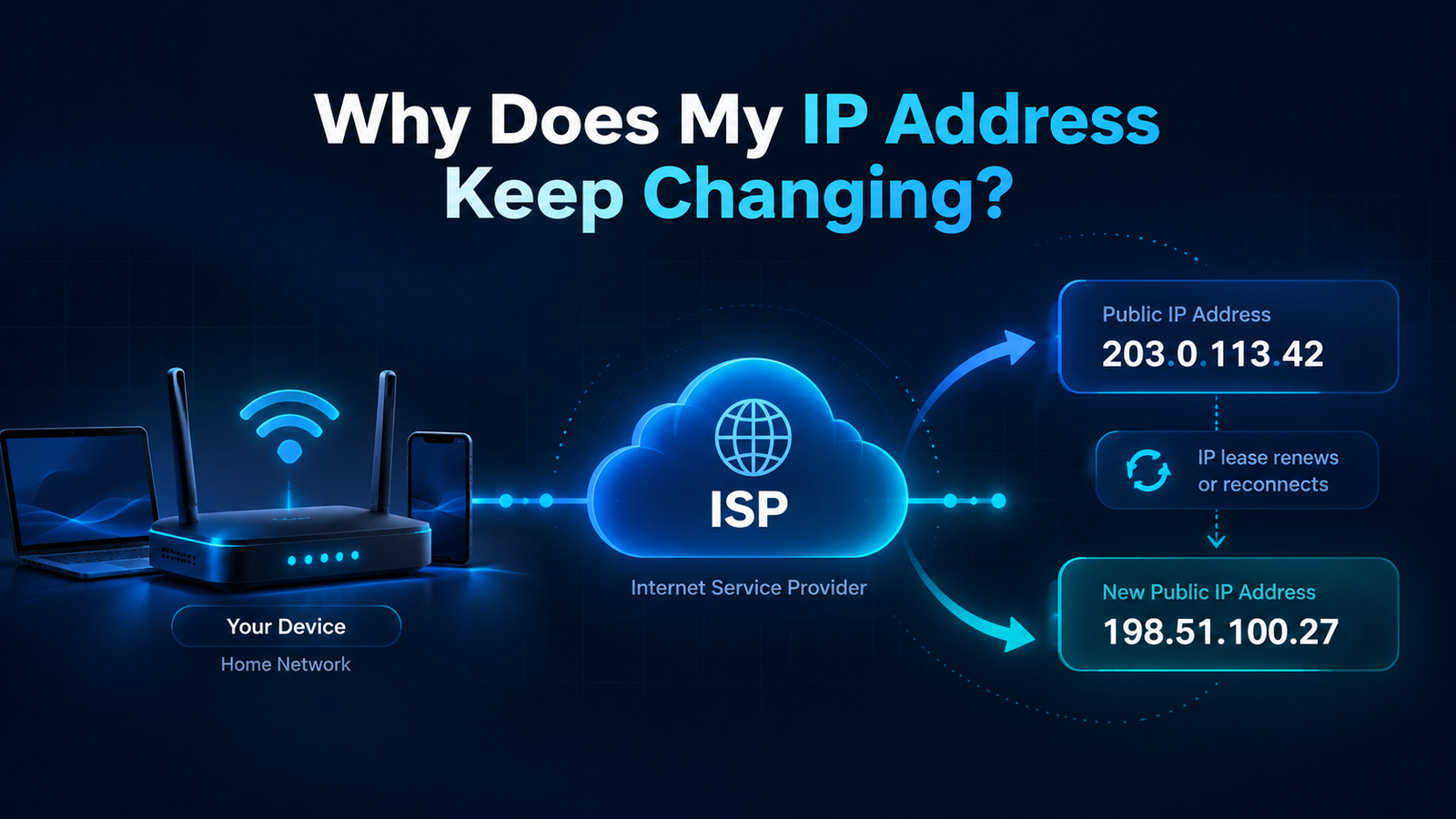
Most home users do not have a permanent public IP address. Instead, their provider uses dynamic IP addresses.
An address that belongs to your connection today may have been assigned to another customer, city, or part of the network in the past.
When an ISP changes how an IP range is used, geolocation databases may not update immediately. One service may already show the new location while another still uses older information.
A VPN Can Make Your IP Appear Somewhere Else
If you use a VPN, the location difference may be intentional.
A VPN sends your internet traffic through a remote server. Websites generally see the IP address of that server rather than the public IP normally assigned by your ISP.
If you are physically in Miami but connected to a VPN server in Dallas, your IP lookup may show Dallas. If you select a server in another country, your IP may appear to be in that country.
Before assuming an IP location is wrong, check whether you have a VPN application, browser VPN extension, privacy service, or work VPN active.
Proxies Can Have the Same Effect
A proxy can also change the IP address visible to websites.
Instead of connecting directly to a website, your traffic passes through another server. The location shown by an IP checker may therefore belong to the proxy server.
This can happen on business networks, school networks, public Wi-Fi connections, and some privacy services.
Mobile Data Can Be Much Less Precise
Cellular connections are another common source of strange IP locations.
Mobile carriers serve large geographic areas and often route users through shared infrastructure. You might be standing in one city while the public IP used by your carrier is associated with another city many miles away.
Try a simple comparison:
- Check your IP while connected to mobile data.
- Turn mobile data off.
- Connect to your home Wi-Fi.
- Check your IP again.
You may see two completely different addresses and locations because your mobile carrier and home ISP use separate networks.
CGNAT Can Also Affect What You See
Many internet providers use Carrier-Grade NAT (CGNAT).
CGNAT allows multiple customers to share public IPv4 infrastructure. This is useful because available IPv4 addresses are limited.
For an ordinary user, the important part is that the public IP visible on the internet may be tied to shared ISP infrastructure rather than to a single household.
Geolocation Databases Are Not All the Same
There is no single master database that tells every website exactly where every IP address is located.
Different providers maintain their own datasets. They may use different sources and update their records at different times.
| What you see | Possible explanation |
|---|---|
| Correct country, wrong city | ISP network location |
| Nearby city | Regional gateway |
| Different country | VPN, proxy, or outdated data |
| Different result on two websites | Different geolocation databases |
| Location changes on mobile data | Carrier routing |
| IPv4 and IPv6 show different areas | Separate IP database records |
IPv4 and IPv6 Can Show Different Locations
Modern internet connections may use both IPv4 and IPv6. These are separate address systems, and the geolocation information attached to each one may not be identical.
Your provider may have used its IPv4 network for years but introduced IPv6 more recently. A geolocation provider might therefore have very accurate IPv4 data while its IPv6 records are less precise.
How Accurate Should an IP Location Be?
Country: often the most reliable level.
Region or state: usually useful, but not guaranteed.
City: can be correct, nearby, or completely different.
Street or home address: IP geolocation should not be treated as a reliable way to determine this.
Can Someone Find Your House From Your IP Address?
A public IP lookup normally cannot reveal your exact home address.
It may show information such as your country, region, approximate city, ISP, or network organization.
Your internet provider may maintain records linking an IP assignment to a customer account, but that is different from information available through a normal public IP lookup.
How to Check Why Your Location Is Wrong
If your IP location surprises you, use this quick checklist.
Is a VPN active?
Disconnect it temporarily and check again.
Are you using mobile data?
Switch to Wi-Fi and compare the result.
Are you on a company or school network?
Your connection may be routed through another location.
Is only the city wrong?
This is often normal ISP routing.
Do different IP lookup services disagree?
The difference may come from their geolocation databases.
Did your public IP recently change?
The new address may still have older location information attached to it.
Should You Worry About a Wrong IP Location?
Usually, no.
A nearby city or region is not a sign that your connection has been hacked. It is often just an artifact of how your ISP manages its network.
A result deserves more attention when your IP suddenly appears in a completely different country and you cannot explain it through a VPN, proxy, mobile carrier, or corporate network.
Even then, confirm the result using more than one source before drawing conclusions.
Can You Correct the Location?
Sometimes.
If your IP belongs to your ISP, you usually cannot directly change how every geolocation service classifies it. You can contact your ISP if the information is seriously wrong.
Some geolocation providers also offer ways to report incorrect IP data.
But if the result only shows a nearby city, correcting it may not be necessary. IP geolocation is designed to be approximate.
Check What Your Connection Shows Right Now
See your public IP address, IPv4 or IPv6 availability, ISP or network organization, approximate city and region, country, timezone, and map location.
Check My IP AddressFinal Thoughts
A wrong-looking IP location is usually much less mysterious than it first appears.
The city displayed by an IP checker may belong to your ISP's network, a mobile carrier gateway, a VPN server, or an outdated database record.
The important distinction is simple: your IP location represents where your internet connection appears to come from — not necessarily where you are physically sitting.
If the country and network information look reasonable but the city is slightly off, there is often nothing wrong with your connection.
Related Guide
If your IP does not just look different but actually changes over time, read Why Does My IP Address Keep Changing? to understand dynamic addresses, router reconnects, mobile networks, and VPNs.
Frequently Asked Questions
Why does my IP address show a city I do not live in?
Your ISP may route your connection through network infrastructure located in another city. The IP database may therefore associate your address with the ISP's regional network rather than your home.
Why does my IP location change?
Your public IP can change if your ISP uses dynamic addressing. It can also change when you switch between Wi-Fi, mobile data, VPN servers, or different networks.
Why does my IP show another country?
A VPN or proxy is one common explanation. Mobile and corporate networks can also route traffic through another country, and outdated geolocation data is another possibility.
Does my IP reveal my exact address?
No. Public IP geolocation is generally approximate and should not be used as a substitute for GPS or an exact residential address.
Why do two IP websites show different cities?
They may use different geolocation databases, and those databases can contain different information or update IP assignments at different times.